


A Complete Guide to the Types of SharePoint Site
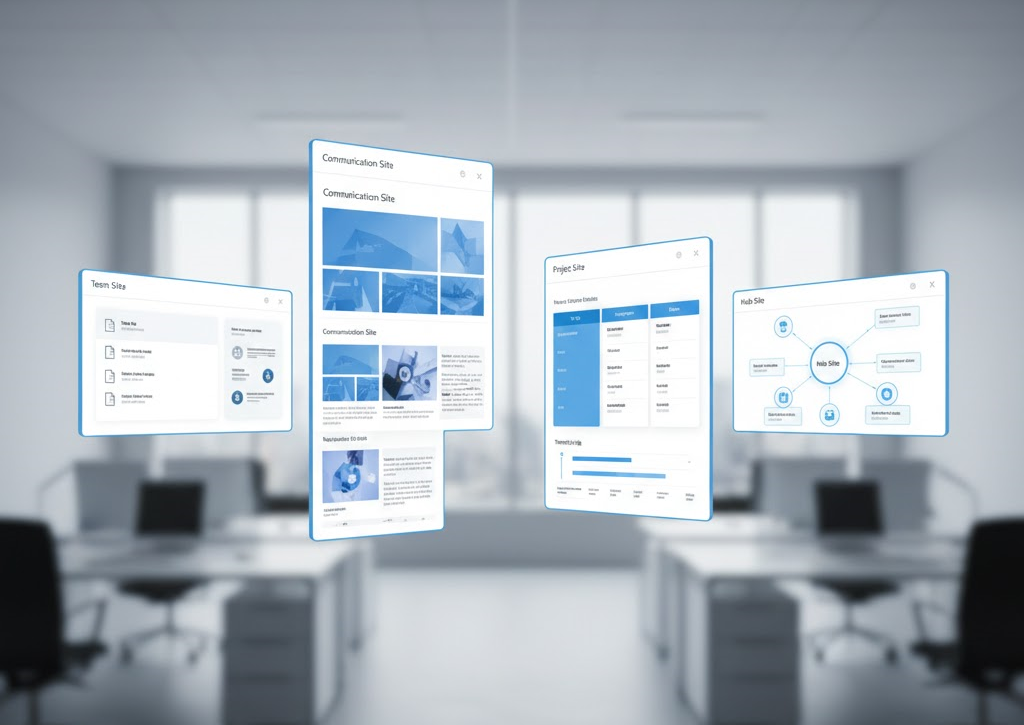
For every task, the right tool is essential. This holds true for any type of work, but it’s especially important in the Microsoft 365 ecosystem. SharePoint, being a central part of this ecosystem, offers various site types, each tailored to specific needs. Before you begin using SharePoint, it's crucial to determine the appropriate type of SharePoint site for your needs. At Chiron, we provide Microsoft SharePoint Consulting Services, helping organizations implement and configure SharePoint to maximize its potential.
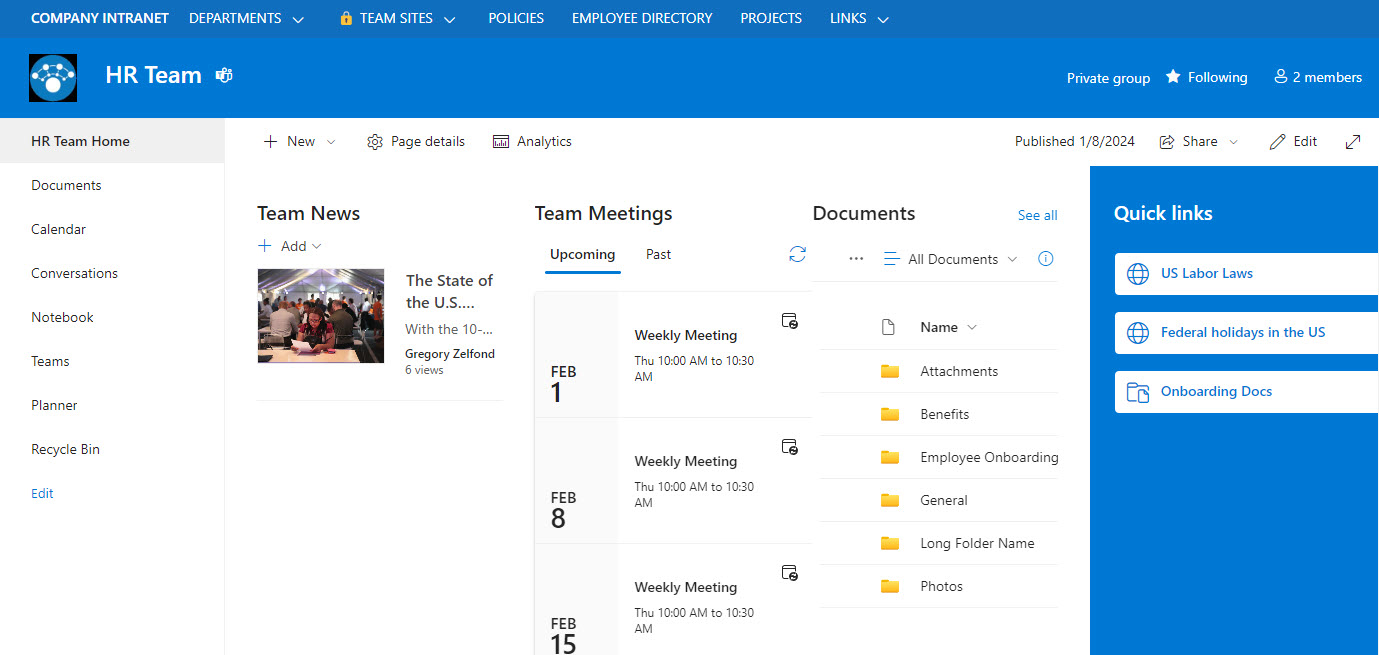 An important aspect to note is that when you create a team site, it is automatically linked to a Microsoft 365 group. This connection is highly beneficial, as it provides your team with a set of connected applications, such as a shared Outlook calendar, Microsoft Teams chat, and task lists in Planner, which enhances collaboration and productivity.
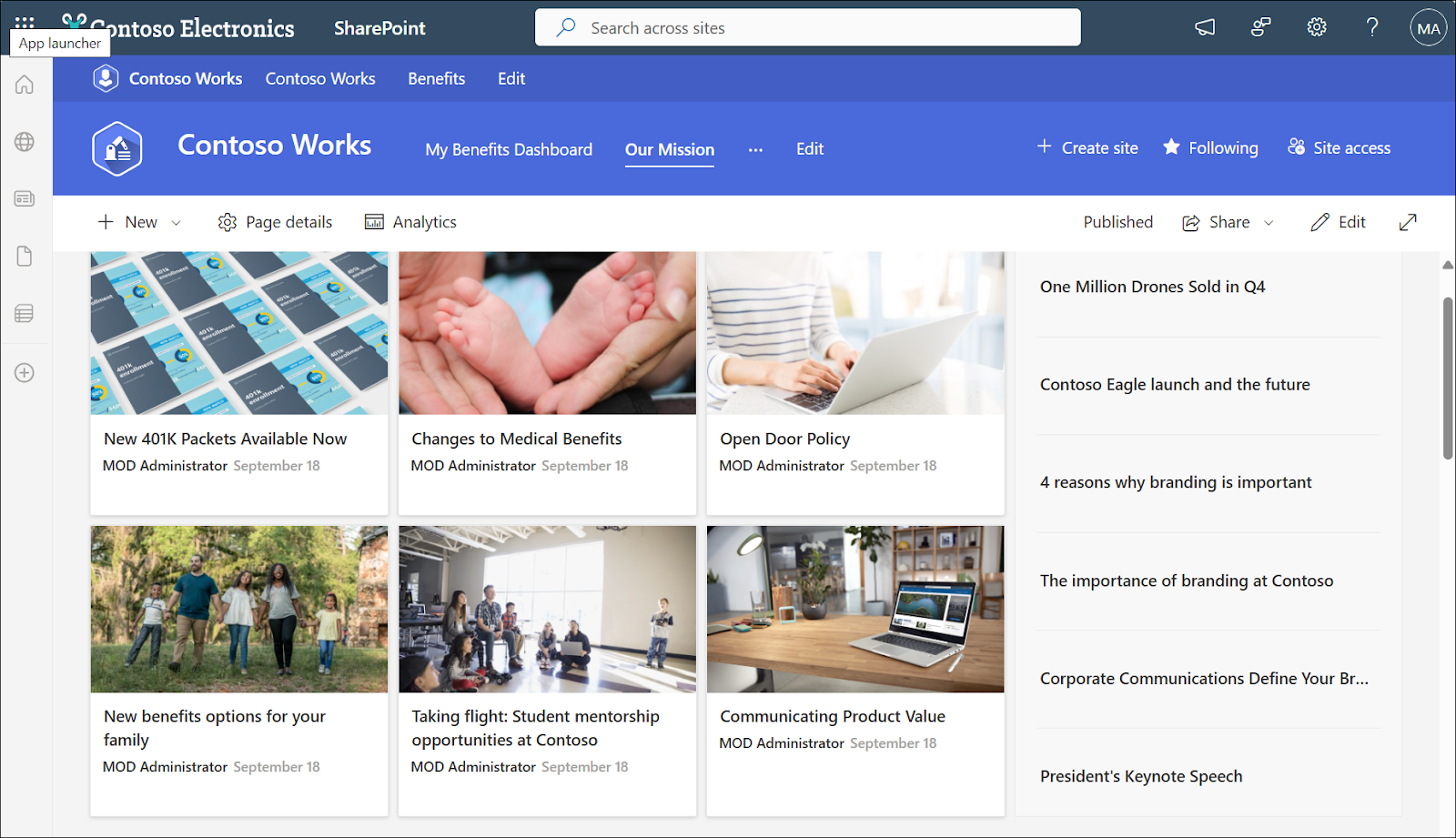
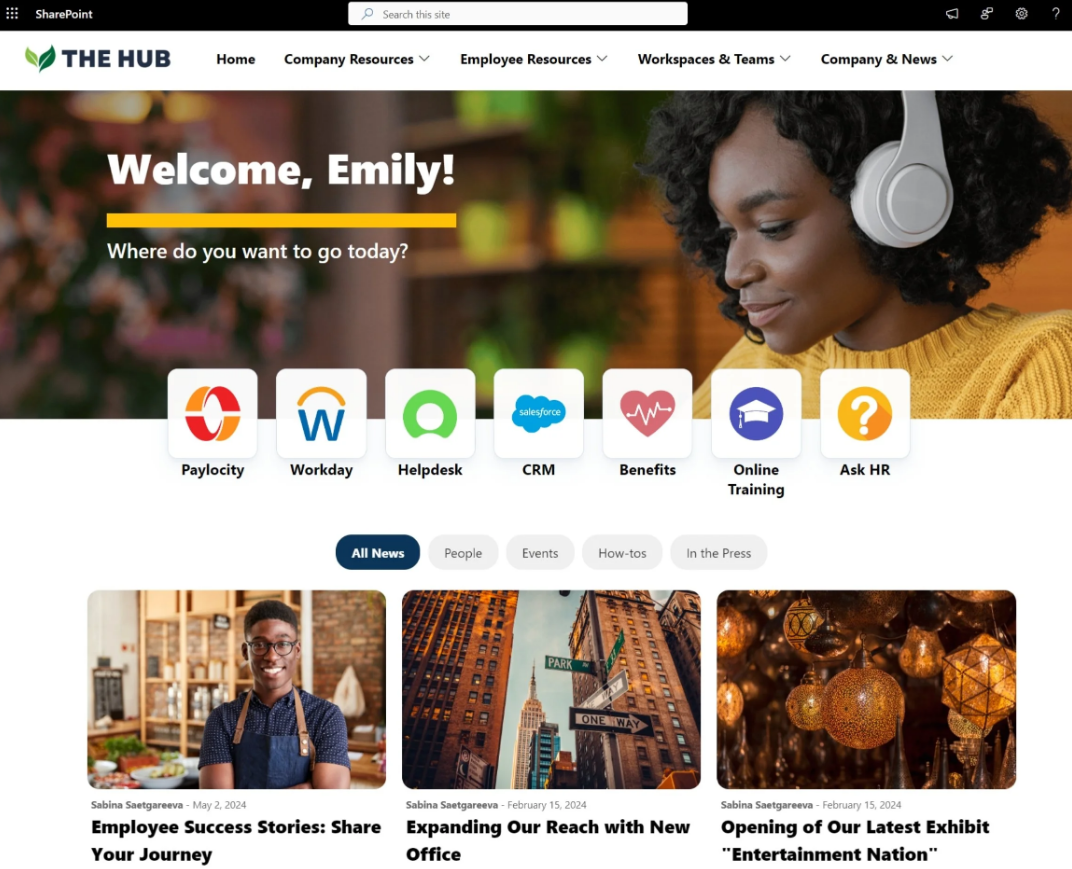 It’s important to note that creating a communication site does not automatically create a Microsoft 365 group, unlike team platforms. This means that communication sites lack group-based functionalities like a shared calendar or chat but offer great potential for visual presentation.
There are several use cases for communication sites:
It’s important to note that creating a communication site does not automatically create a Microsoft 365 group, unlike team platforms. This means that communication sites lack group-based functionalities like a shared calendar or chat but offer great potential for visual presentation.
There are several use cases for communication sites:
Team Sites
Team sites are best suited for collaboration. They are created for two-way collaboration, allowing members to share, view, and edit content in real-time. This is the default type that can be created by any user via the SharePoint home page. A team platform features a left-hand navigation pane and a main area where pages or web parts can be placed. They are excellent at supporting large file libraries, providing access control, and maintaining version history.
An important aspect to note is that when you create a team site, it is automatically linked to a Microsoft 365 group. This connection is highly beneficial, as it provides your team with a set of connected applications, such as a shared Outlook calendar, Microsoft Teams chat, and task lists in Planner, which enhances collaboration and productivity.
Communication Sites
Communication platforms serve a completely different purpose. These pages are designed with a focus on external communication and information sharing, and they emphasize presenting content in a polished and professional manner. They are ideal for posting company news, reports, and official announcements.
It’s important to note that creating a communication site does not automatically create a Microsoft 365 group, unlike team platforms. This means that communication sites lack group-based functionalities like a shared calendar or chat but offer great potential for visual presentation.
There are several use cases for communication sites:
- Company news portals. These platforms serve as a central hub for sharing important updates, news, and reports within the organization. They provide employees with easy access to the latest company developments, ensuring everyone stays informed. Communication platforms are ideal for broadcasting messages from leadership, promoting internal initiatives, and sharing progress reports.
- Resource centers. Communication pages can be used as centralized locations where employees can access essential materials, guidelines, and resources. This could include HR documents, training materials, compliance guidelines, and other internal resources. By having a dedicated portal, organizations ensure that employees have quick and organized access to the information they need to perform their jobs effectively.
- Event announcements. These sites are perfect for managing and promoting company events, meetings, conferences, and webinars. They allow you to post event details, schedules, registration links, and other relevant information in an easy-to-access format. This helps ensure that employees are well-informed about upcoming events and can easily engage or participate.
Are There Other Specialized SharePoint Sites?
In addition to the main types, SharePoint also offers different types of specialized pages for more specific tasks.Project Sites
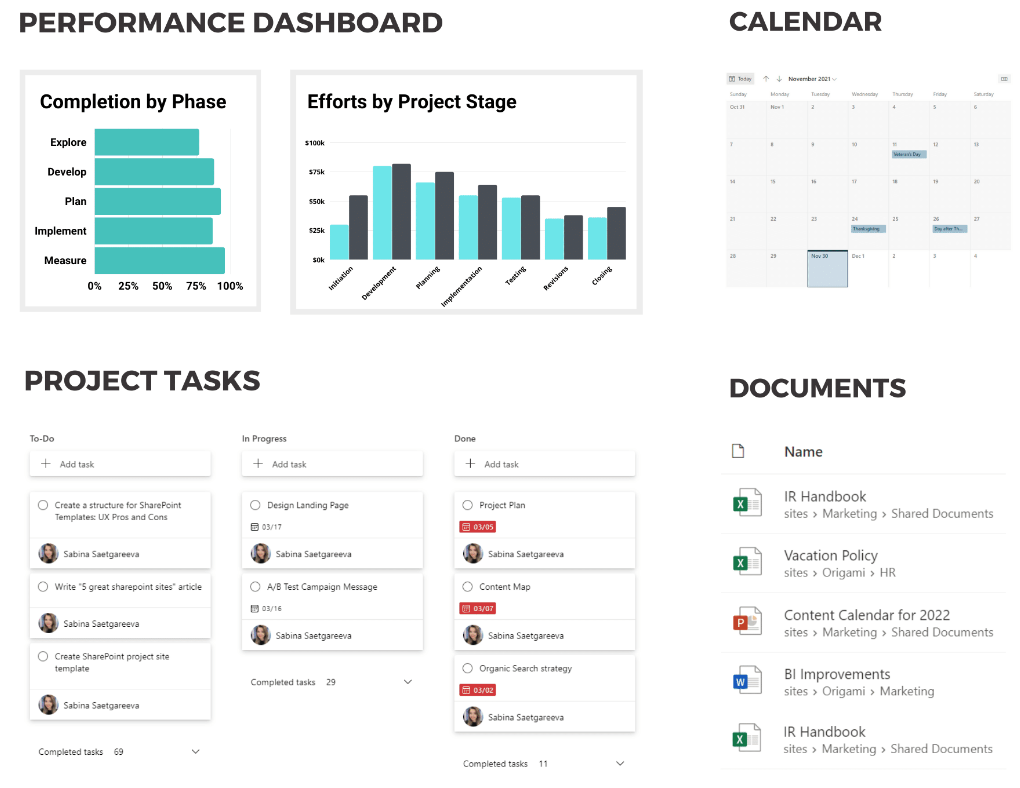
These are specialized team sites tailored for managing specific projects. They include tools for tracking tasks, deadlines, and milestones, making them ideal for project management. Project sites centralize project-related documents, allowing teams to collaborate, monitor progress, and ensure that all resources are accessible in one location. They also offer task lists, calendars, and project timelines to help keep everything on track.
Hub Sites
Hub sites are used to organize related group and communication platforms under one structure. By connecting them, hub sites provide a unified experience across your SharePoint environment, offering consistent navigation, branding, and search functionality. This ensures that users can easily find content across multiple locations, promoting a more cohesive and streamlined experience. Hub sites help organizations maintain a consistent look and feel, while also simplifying the management of related resources.
How to Choose the Right SharePoint Site?
Choosing the right type of SharePoint site involves several key steps:- Identify the audience. If your audience consists of many people (e.g., all employees), a communication platform may be more appropriate. For a smaller team or project, a team site is a better fit.
- Define the purpose. If the goal is collaborative content creation, a team site is the best choice. If the goal is to share information with a wider audience, a communication platform is ideal.
- Use templates. SharePoint offers built-in templates for a quick start, such as «Project Group» or «News», which can help you quickly set up a site tailored to your needs.


