


Ultimate Guide to Onboarding Remote Employees
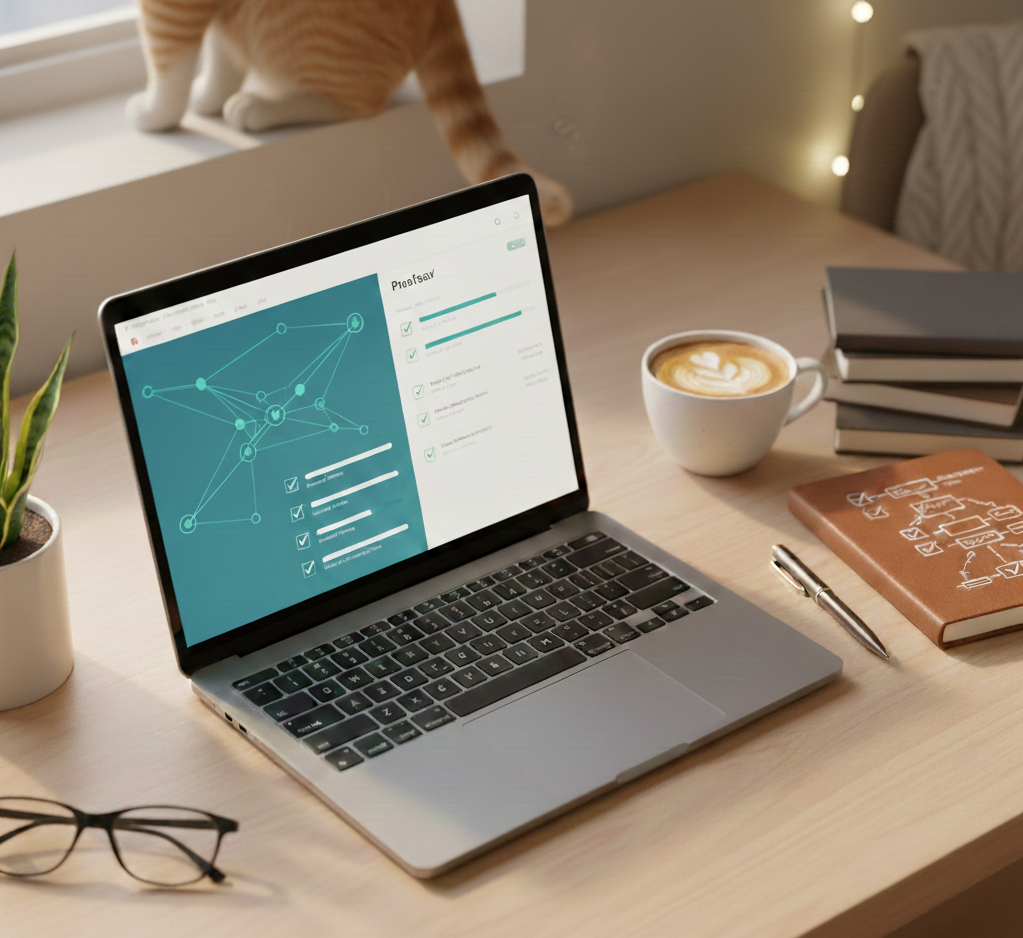
New models of remote and hybrid work present new challenges in communication, collaboration, and accountability. It’s important to find creative ways to welcome new employees into remote teams. Chiron transforms the traditional onboarding process into an optimized, error-free, and engaging experience. With advanced automation technologies, we ensure new employees feel supported and receive everything they need from day one.
By working with Chiron, we can help reduce HR complexity by harmonizing employee data across departments, automating tasks, and streamlining information exchange on a single platform.

What is Onboarding Automation?
Onboarding automation is the process of automating many tasks related to new employee adaptation through specialized platforms. Instead of manually sending emails and PDFs, automated processes trigger when the job offer is accepted, the start date is set, or the role is assigned. User accounts are created, devices requested, documents sent for signing, and training materials assigned—often using tools like Microsoft 365 and Teams.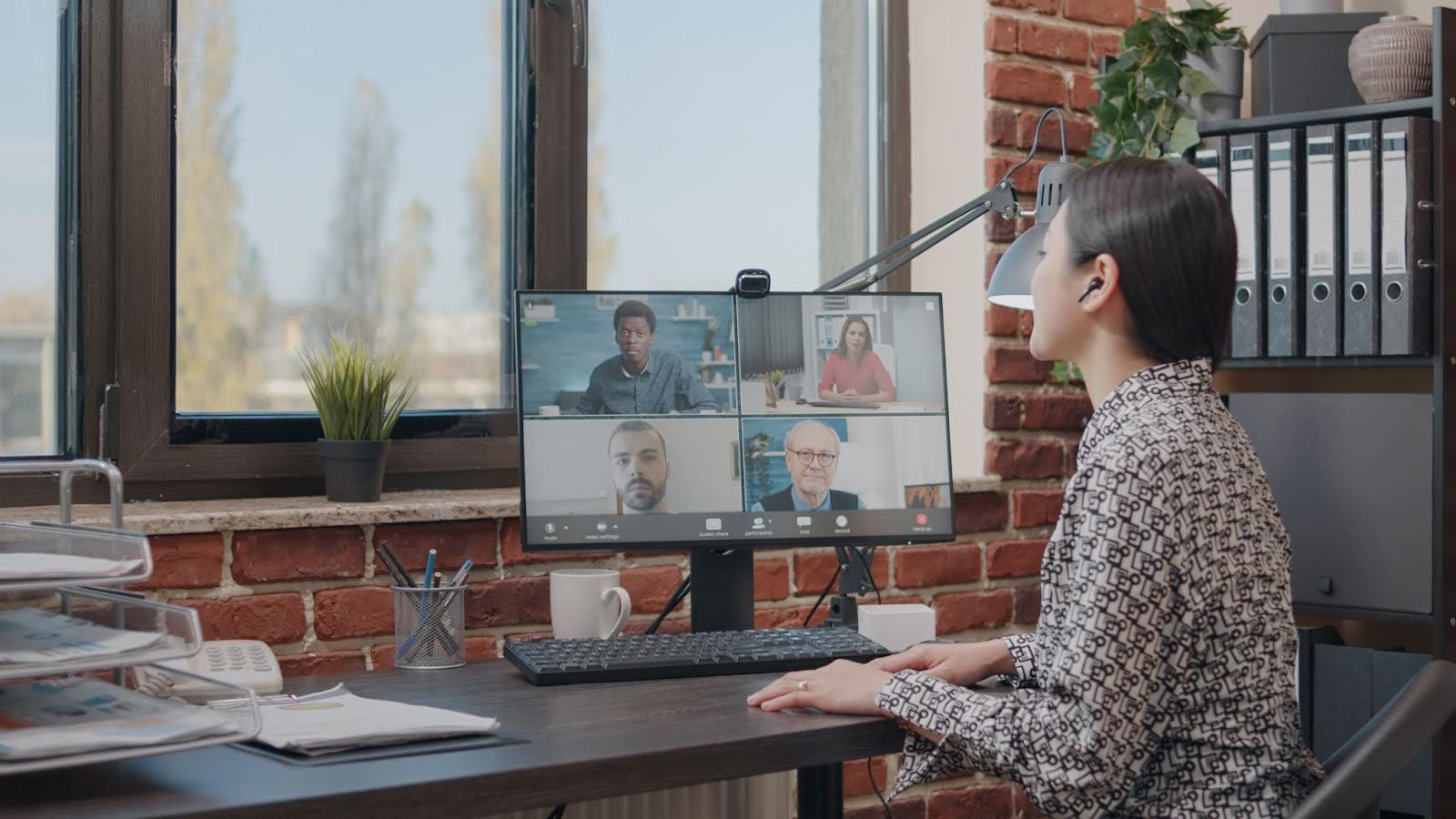
Reasons Onboarding Is Crucial for Success
Onboarding is not just about introducing new employees to the company; it is a critical factor for long-term success. Here are a few reasons why onboarding is essential:- Forging social connections. Effective onboarding helps employees connect with colleagues, promoting better collaboration and team cohesion.
- Making positive initial impressions. A positive first experience creates a sense of value and belonging, boosting employee engagement.
- Preparing them for success. A well-structured onboarding program helps new employees adapt quickly and start contributing to the company's success.
- Business continuity. A structured onboarding process integrates employees into workflows, minimizing risks of lost time and disruptions.
How Does Automated Remote Onboarding Work?
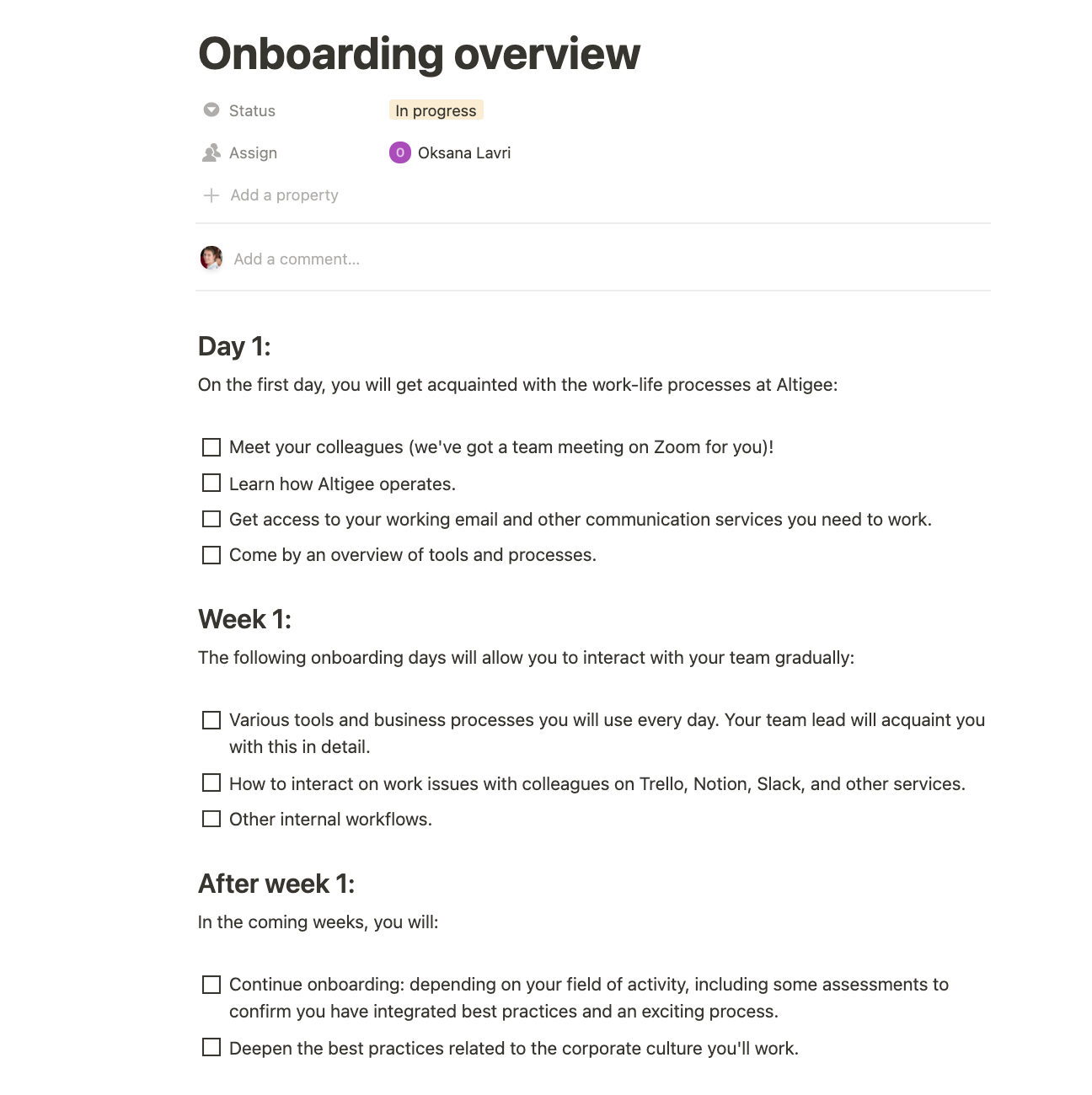
Remote onboarding follows the same stages as any effective program: preparation for work, the first day, the first weeks, and the first 90 days. However, each stage is connected to triggers and workflows.- Trigger at the preparation stage. Once HR marks the candidate as hired, the platform triggers welcome emails, collects compliance documents with e-signatures, and initiates IT department requests.
- Access provision. HR data is sent to identity management tools like Azure AD, and user accounts and security groups are created based on role and location.
- First-day experience. The new employee logs into the system and sees a clear task list, introductory information, and a schedule for the first week instead of an empty Teams window.

- Targeted training. Training content (policies, product breakdowns, corporate culture videos) is released gradually rather than all at once on day one.
- Regular check-ins and surveys. Automated prompts encourage managers to schedule one-on-one meetings and assess how the new employee is adapting.
How to Make Virtual Onboarding Process Unforgettable
Since first impressions matter, how can you create a successful remote onboarding experience for new employees?- Schedule structured one-on-one meetings. Every new employee needs to feel valued and supported. One-on-one meetings with managers and colleagues ensure this attention. Schedule meetings to help the employee understand goals and expectations and foster inclusion in the team.
- Send a gift package. Gifts show attention and make a new employee’s first days more enjoyable. Personalized packages with company-branded items like pens, T-shirts, mugs, or other memorabilia create a positive first impression and help employees feel part of the company, even remotely.
- Use a technological platform that enhances the user experience. To optimize the onboarding process and ensure a seamless transition, use a platform like Chiron’s onboarding process automation system. The platform helps organize all stages of onboarding, from sending welcome emails to assigning training materials and progress check-ins, reducing human error and HR workload.


How Artificial Intelligence Enhances Remote Onboarding Software
Artificial intelligence personalizes and scales the onboarding process. In remote onboarding software, AI typically:- Recommends training content. AI analyzes the employee’s role, skills, and behavior to suggest relevant materials.
- Identifies risk signals. AI detects low engagement with key modules, allowing managers to intervene early.
- Drafts welcome notes. AI creates drafts for welcome emails and status check-in prompts, which users can quickly finalize.
- Personalizes learning paths. AI tailors training programs to each employee’s prior experience, learning style, and role requirements.
- Tracks progress and performance. AI monitors employee progress through onboarding tasks and training, providing real-time insights and feedback.
- Predicts success and challenges. AI analyzes data from previous onboarding experiences to predict how likely an employee is to succeed or face challenges.
- Optimizes scheduling. AI considers time zones, workloads, and learning preferences to schedule onboarding activities efficiently.


